
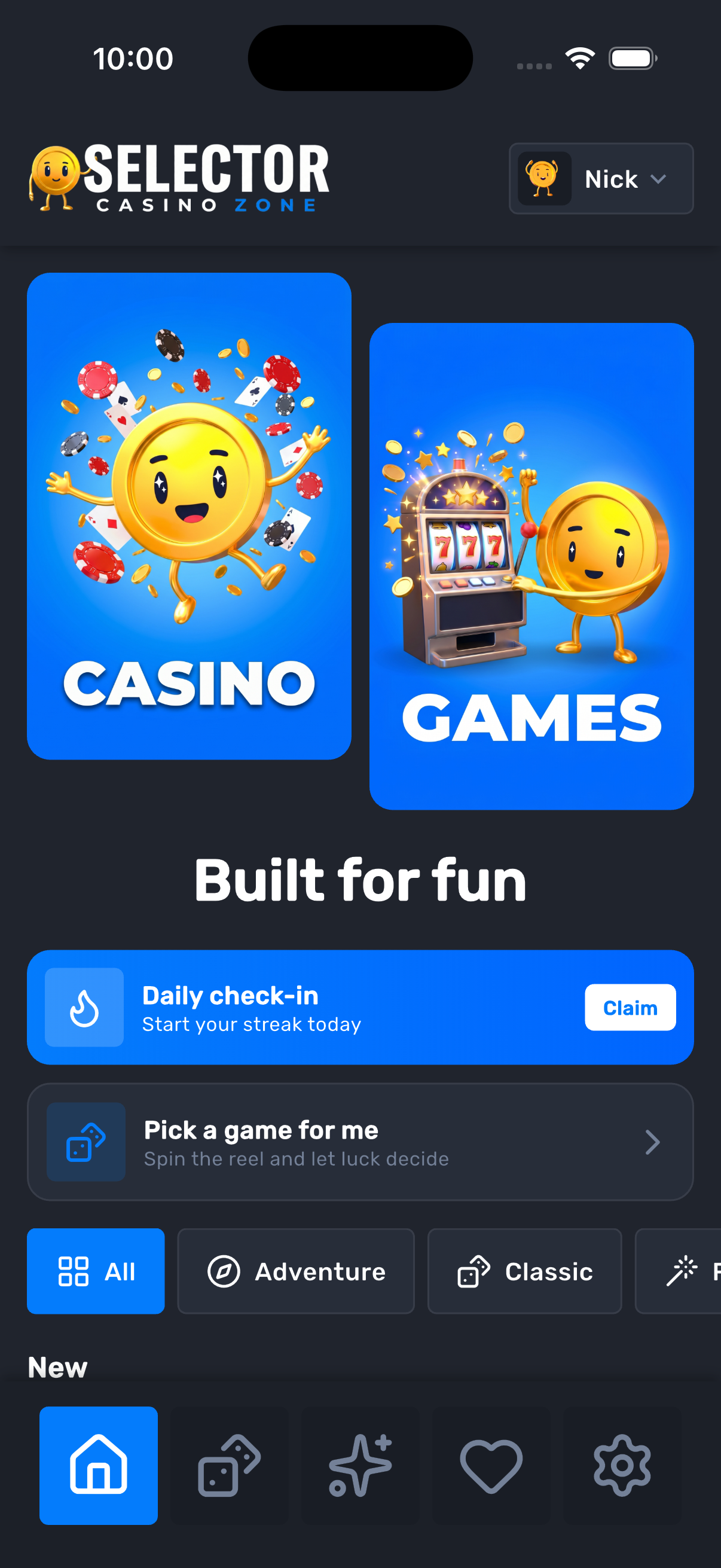
Home rows, not a wall of tiles
Promo banners, theme chips, and horizontal rows for new, popular, top, live, slots, and table. Claim a daily streak or spin “pick a game” when you do not want to choose.
Selector Casino Zone is an iPhone and Android catalog of slots and live-style demos. Filter by theme or provider, heart a title, then open play in the app.
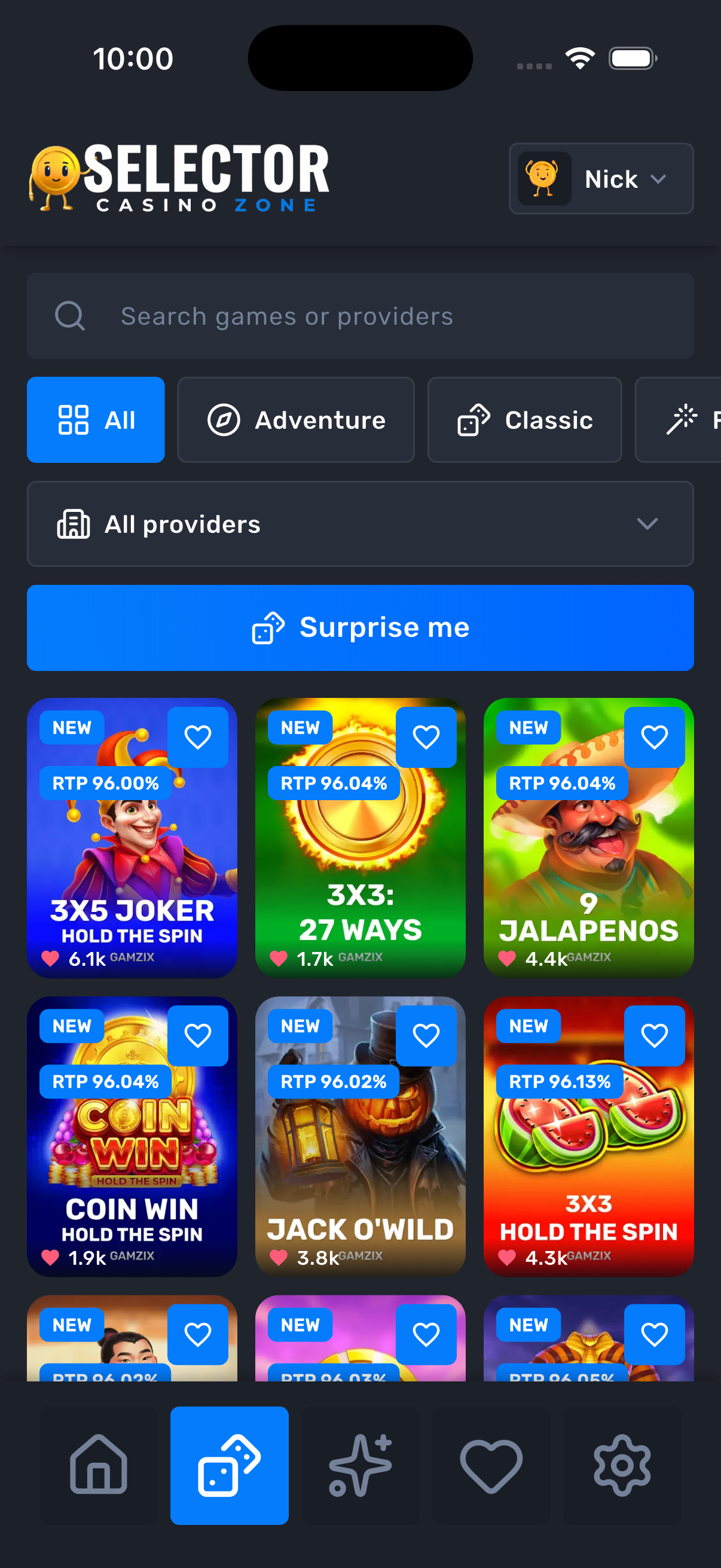
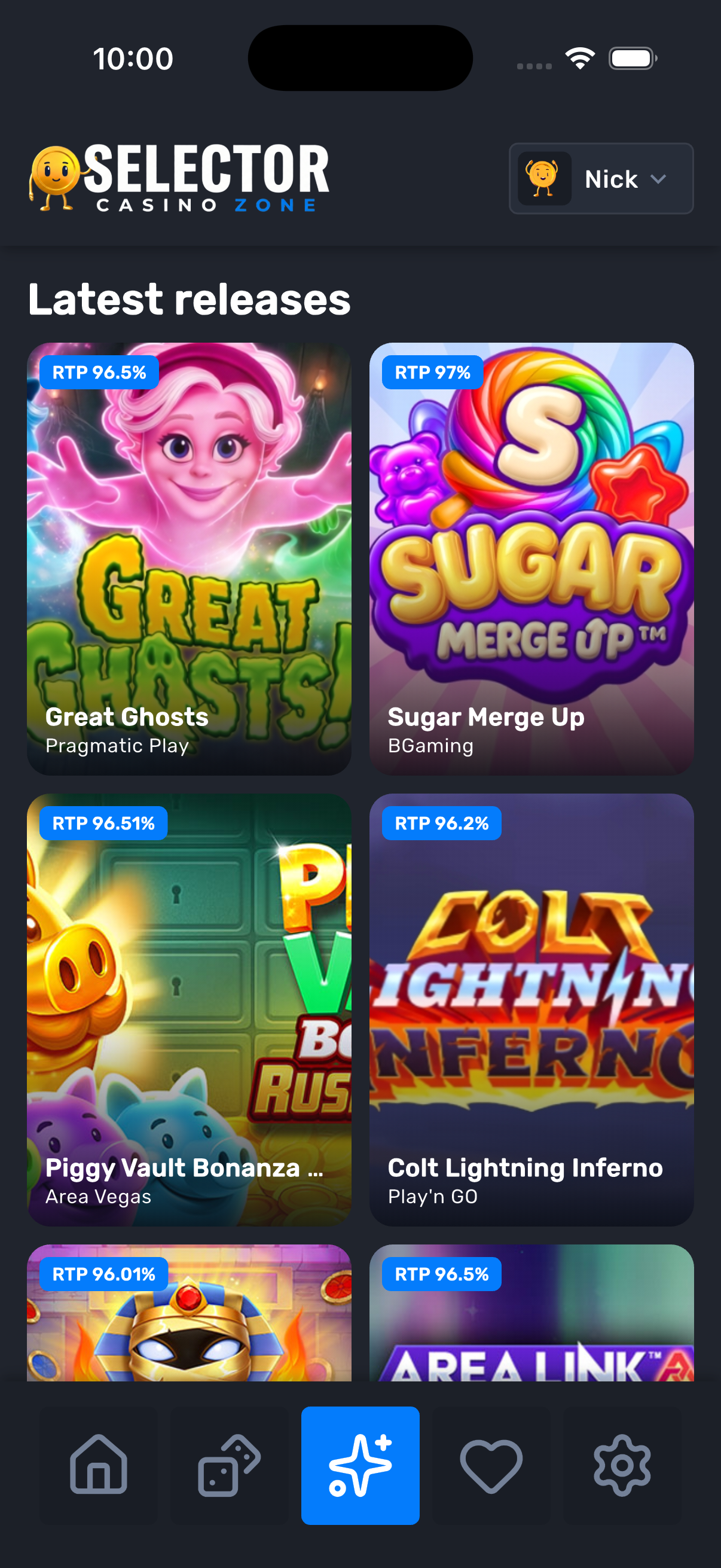
The same dark lounge as the app: charcoal surfaces, a blue claim button, and game art on 3:4 cards.
Promo banners, theme chips, and horizontal rows for new, popular, top, live, slots, and table. Claim a daily streak or spin “pick a game” when you do not want to choose.
Type a title or provider. Narrow by theme chip or the provider menu. A three-column grid keeps art readable. Surprise me lands on a random title from the same list.
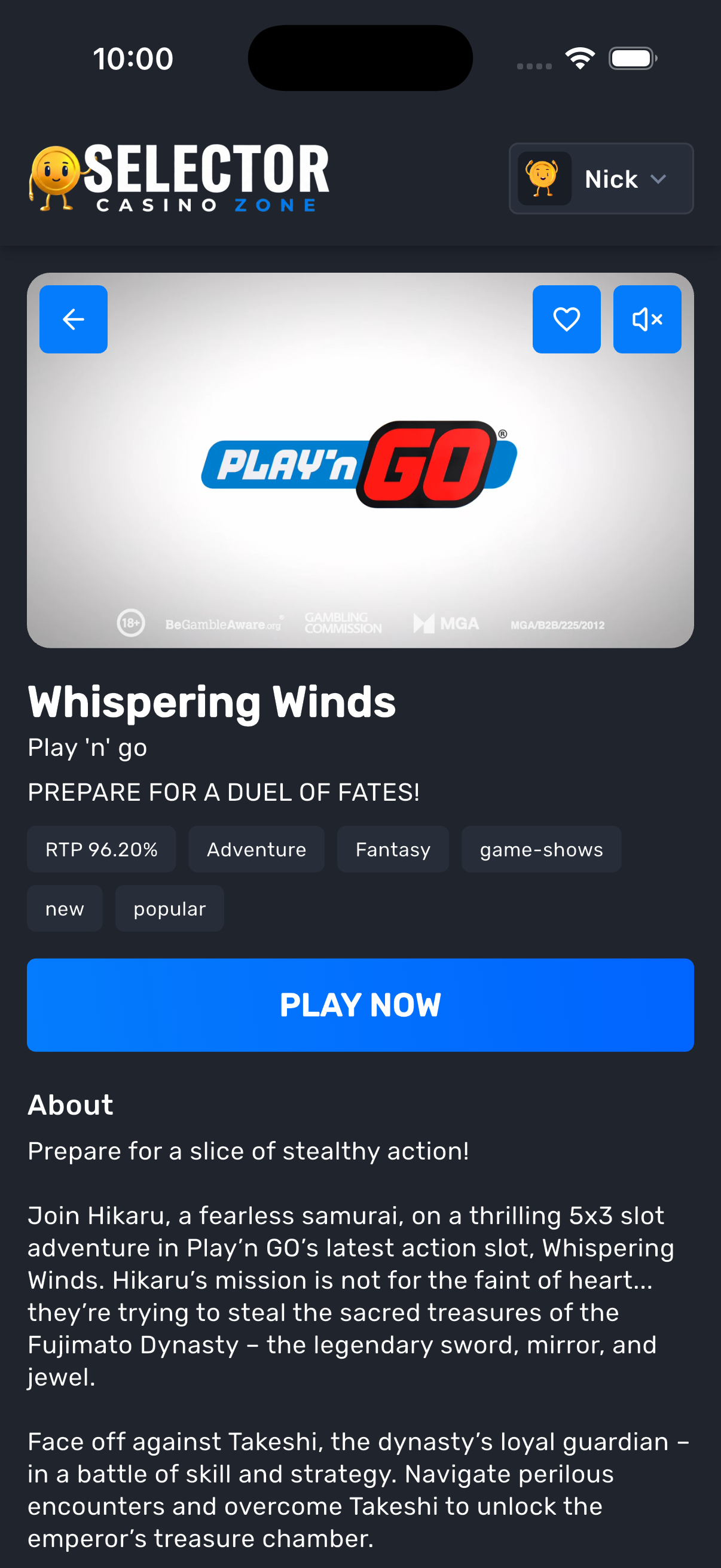
Each title opens a banner, RTP, theme and category chips, a short write-up, and comments. A valid demo URL loads in an in-app WebView — you stay in Selector Casino Zone.
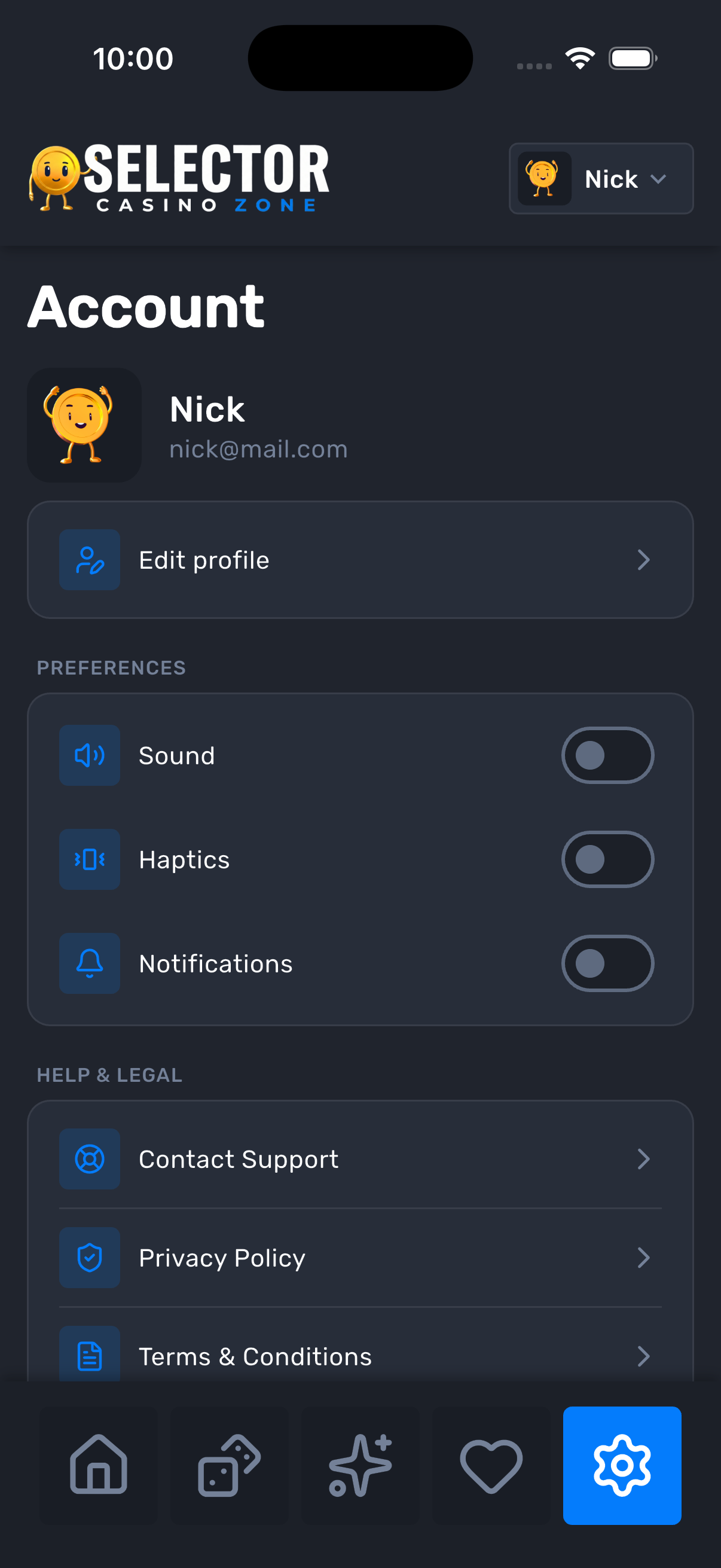
Sign in with email to sync favorites and a daily check-in streak. Sound, haptics, and notifications stay on the device. You can edit your username or delete the account from settings.

The catalog comes from our hosted list. A network connection is required to load games, sign in, and open play.
Use Home rows, the Games grid, Latest, or the reel that picks for you.
Favorites sit on your signed-in account so the list follows you on this device.
Demos launch in a WebView. This is a catalog of practice tables, not a cash desk.
Selector Casino Zone is on the App Store and Google Play. The lounge is dark on purpose — there is no light theme.